



Skip to content

Minivoa

Passionate about PCs, laptops, and gaming. Sharing tech tips, reviews, and gaming updates.

  • Home
  • About Us
  • Contact Us
  • Disclaimer
  • Privacy Policy
  • facebook.com
  • twitter.com
  • t.me
  • instagram.com
  • youtube.com
Subscribe
Top Article
GTA 6 Map and Locations: Exploring the World of Vice City
November 6, 2026
Computer RAM: Types, Uses, Speed, and How Much Memory You Need
November 6, 2026
Computer Motherboard: Types, Functions, and How to Choose the Right One
November 6, 2026
GTA 6 Graphics Settings: Best Options for Smooth Gameplay on PC
November 6, 2026
GTA 6 PC Requirements: Which Computer Will Run Grand Theft Auto VI?
November 6, 2026
Gaming PC Performance: 10 Ways to Improve FPS and Reduce Lag
November 6, 2026
How to Build a Gaming PC for Beginners: A Complete Guide
November 6, 2026
How to Choose the Best Graphics Card for Gaming
November 6, 2026
How to Fix a Laptop Battery That Is Not Charging
November 6, 2026
How to Fix Wi-Fi Connected but No Internet Access on Windows
November 6, 2026
How to Fix a Computer That Keeps Freezing: 10 Easy Solutions
November 6, 2026
How to Make Your Windows Computer Faster: 10 Easy Tips
November 6, 2026
Posted inGaming World

GTA 6 Map and Locations: Exploring the World of Vice City

Introduction Grand Theft Auto VI is an upcoming open-world action-adventure game developed by Rockstar Games. One of its biggest attractions is the fictional state of Leonida, which includes the famous…
Continue Reading
Posted by Shahzeb November 6, 2026
Posted inGaming World

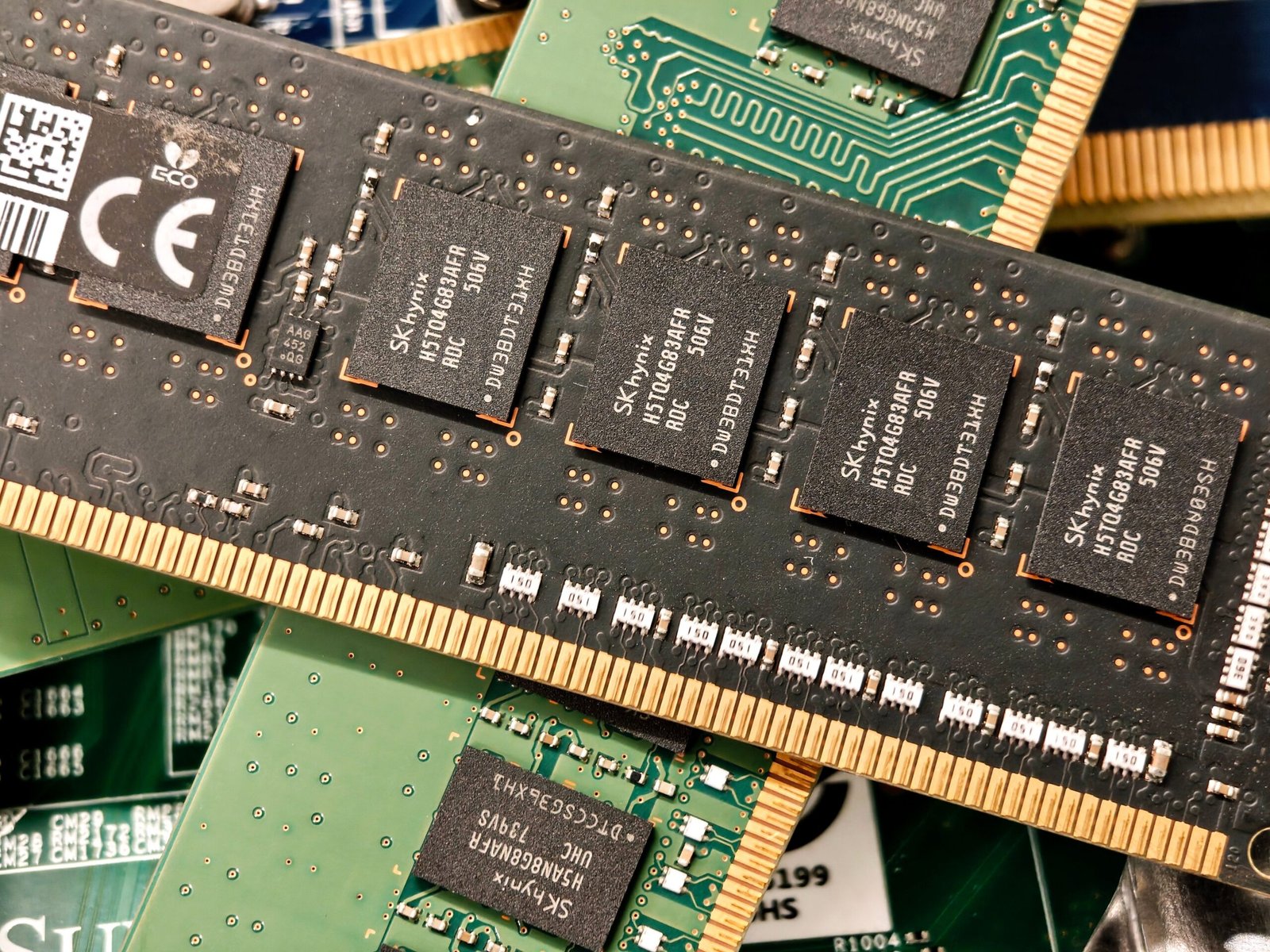
Computer RAM: Types, Uses, Speed, and How Much Memory You Need

Introduction Computer RAM is one of the most important components in a desktop computer or laptop. It helps your system run applications, open files, browse the internet, and perform multiple…
Continue Reading
Posted by Shahzeb November 6, 2026
Posted inGaming World

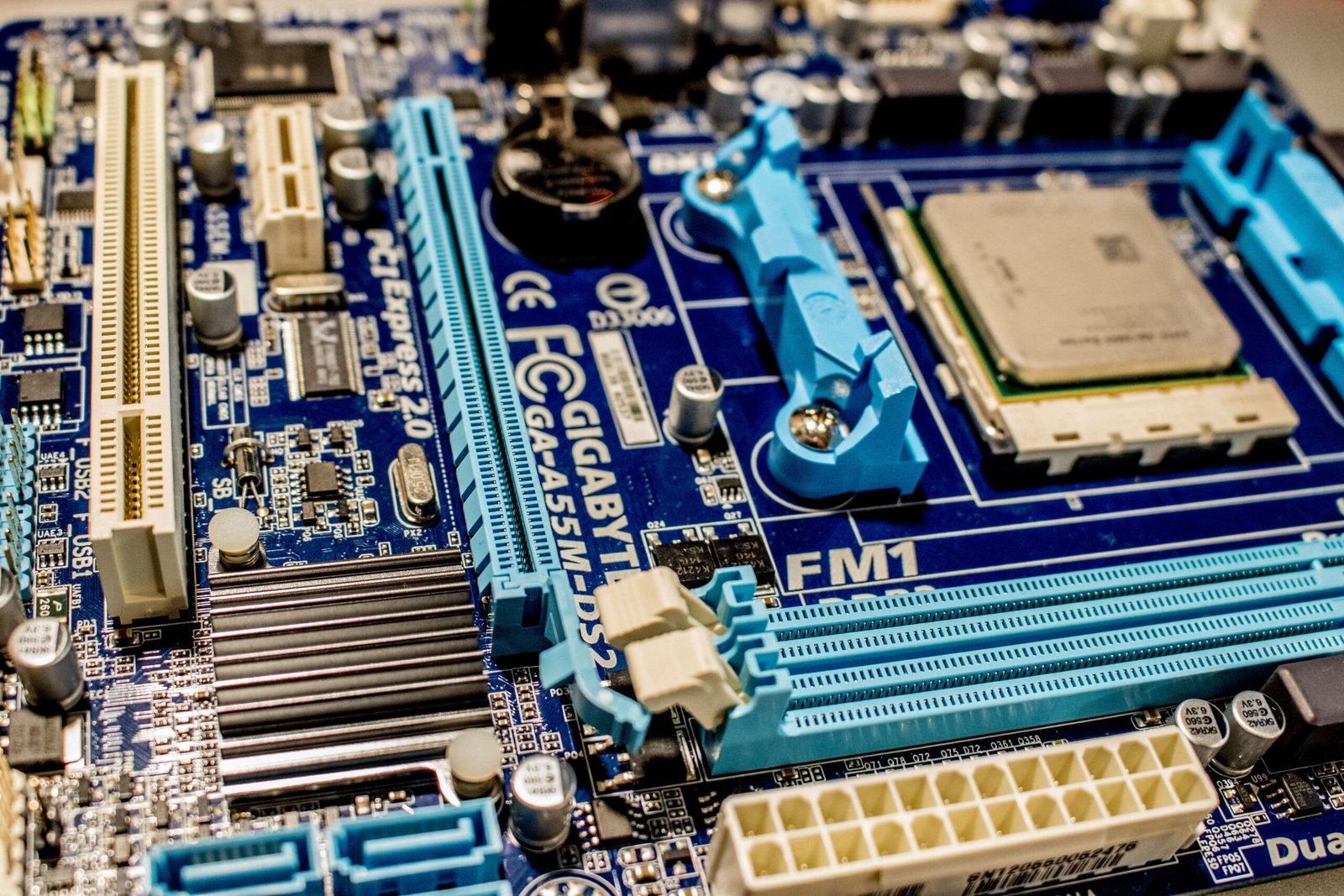
Computer Motherboard: Types, Functions, and How to Choose the Right One

Introduction A computer contains several important components that work together to perform different tasks. These include the processor, RAM, storage drive, graphics card, and power supply. However, these components need…
Continue Reading
Posted by Shahzeb November 6, 2026
Posted inGaming World

GTA 6 Graphics Settings: Best Options for Smooth Gameplay on PC

Introduction Grand Theft Auto VI is one of the most anticipated games in the Grand Theft Auto series. Players are excited to explore Vice City, drive different vehicles, complete missions,…
Continue Reading
Posted by Shahzeb November 6, 2026
Posted inGaming World

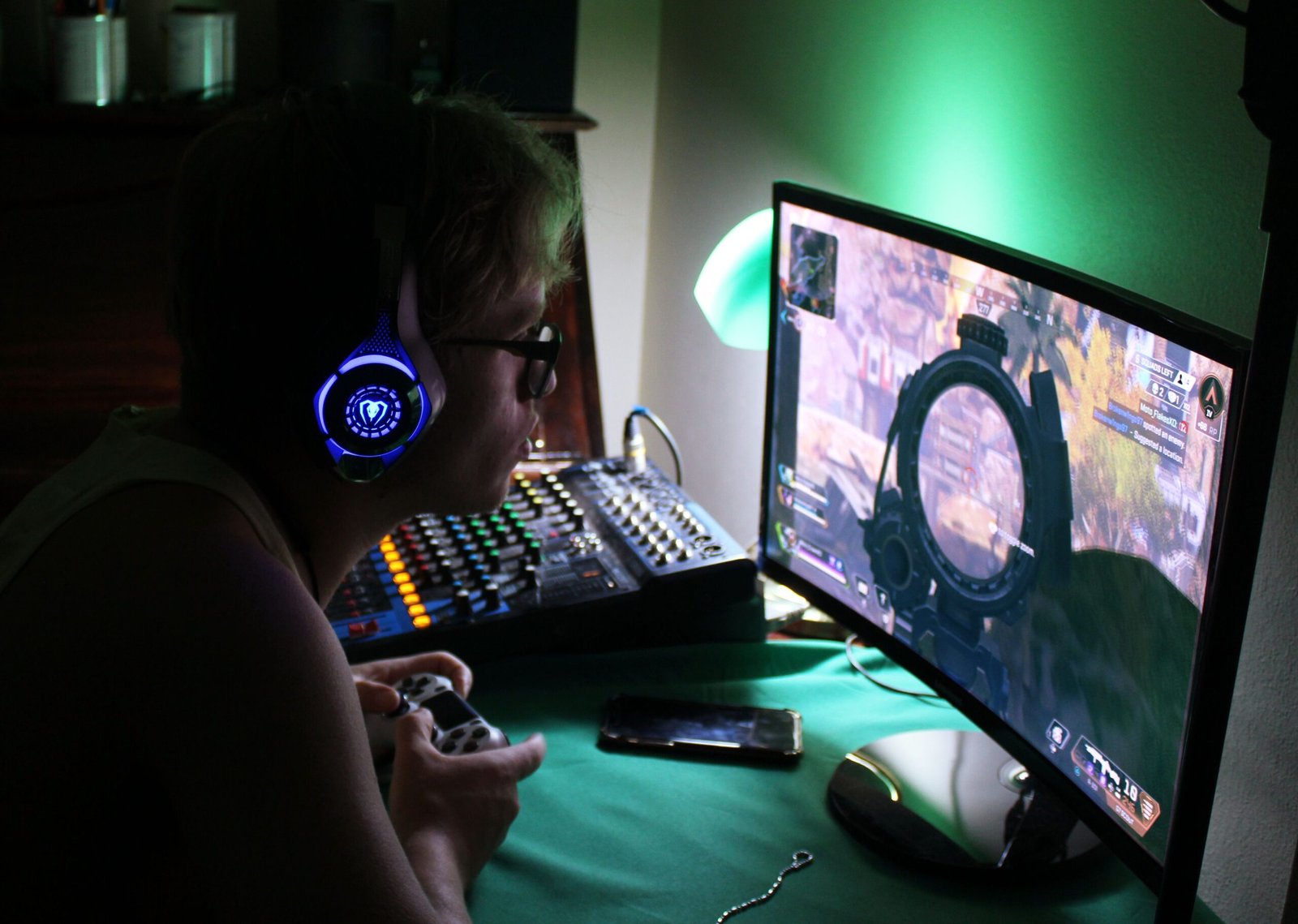
GTA 6 PC Requirements: Which Computer Will Run Grand Theft Auto VI?

Introduction Grand Theft Auto VI, also known as GTA 6, is one of the most anticipated open-world games. Developed by Rockstar Games, it takes players back to Vice City in…
Continue Reading
Posted by Shahzeb November 6, 2026
Posted inGaming World

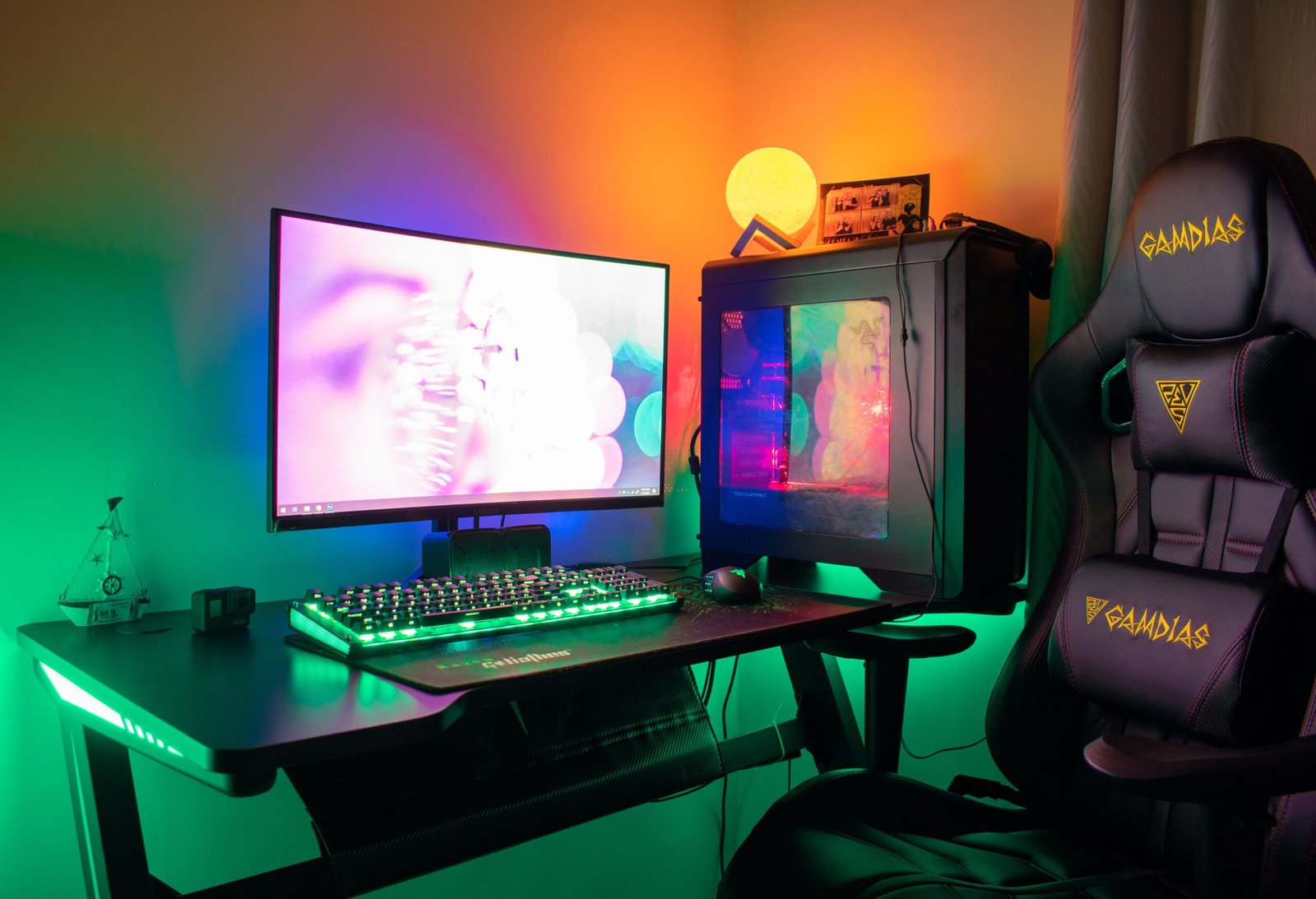
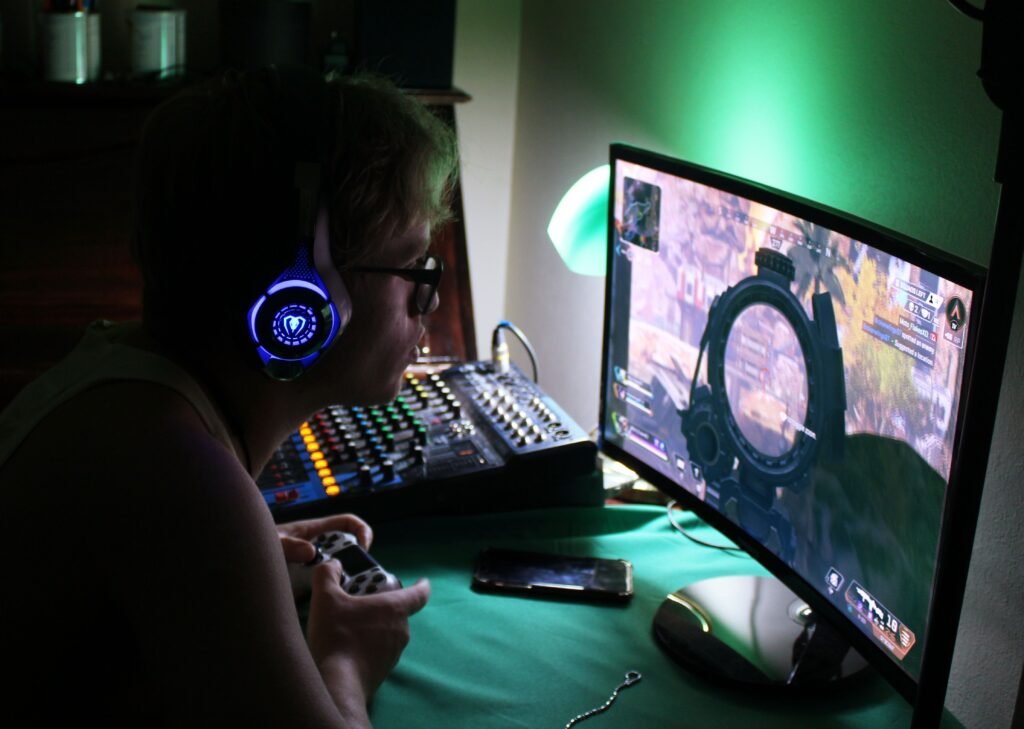
Gaming PC Performance: 10 Ways to Improve FPS and Reduce Lag

Introduction A gaming PC should provide smooth gameplay, fast loading times, and clear graphics. However, some computers experience low FPS, sudden lag, stuttering, or overheating while playing games. These problems…
Continue Reading
Posted by Shahzeb November 6, 2026
Gaming PC Performance: 10 Ways to Improve FPS and Reduce Lag
Posted inGaming World

Gaming PC Performance: 10 Ways to Improve FPS and Reduce Lag

Introduction A gaming PC should provide smooth gameplay, fast loading times, and clear graphics. However, some computers experience low FPS, sudden lag, stuttering, or overheating while playing games. These problems…
Posted by Shahzeb November 6, 2026
How to Build a Gaming PC for Beginners: A Complete Guide
Posted inGaming World

How to Build a Gaming PC for Beginners: A Complete Guide

Introduction Building a gaming PC can be an exciting way to enjoy your favorite games while choosing the hardware that fits your budget. Unlike buying a prebuilt computer, building your…
Posted by Shahzeb November 6, 2026
How to Choose the Best Graphics Card for Gaming
Posted inGaming World

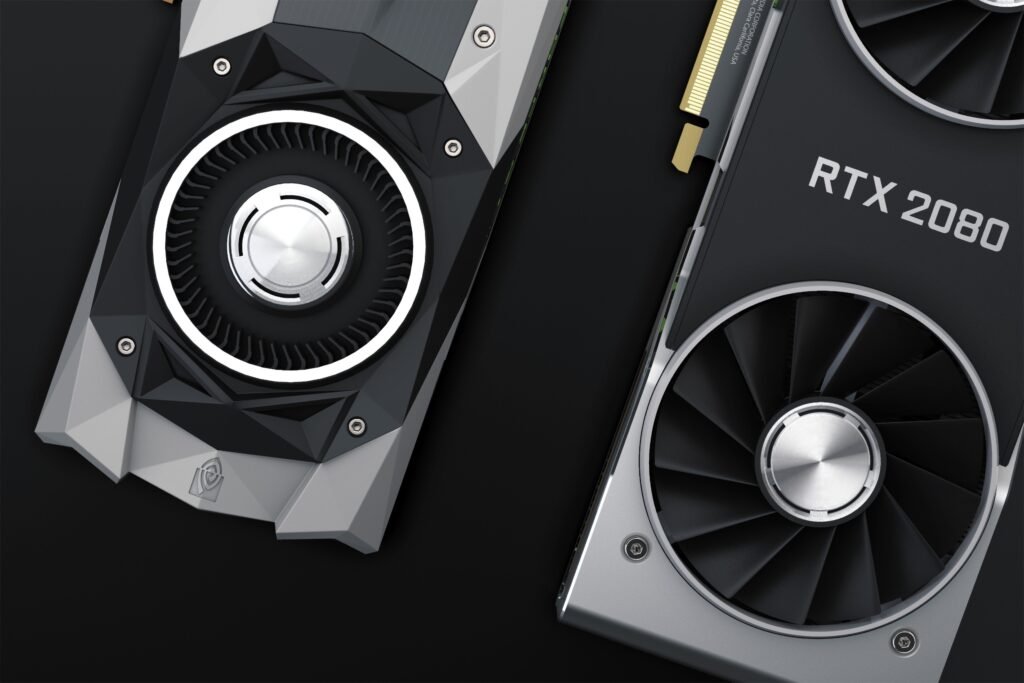
How to Choose the Best Graphics Card for Gaming

Introduction A graphics card is one of the most important components of a gaming computer. It processes images, textures, lighting, and visual effects to help games run smoothly. Whether you…
Posted by Shahzeb November 6, 2026
How to Fix a Laptop Battery That Is Not Charging
Posted inGaming World

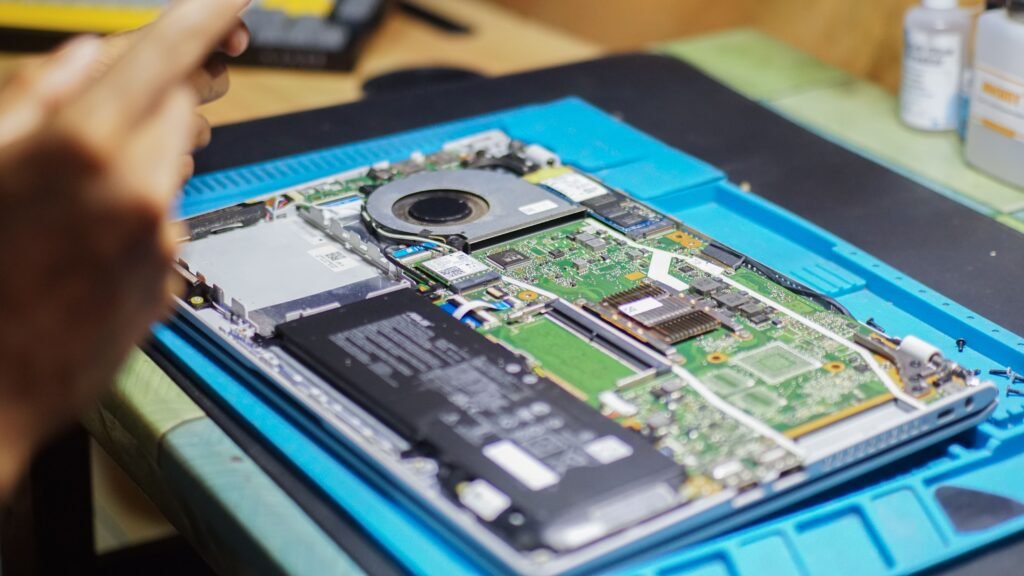
How to Fix a Laptop Battery That Is Not Charging

A laptop battery that is not charging can be a frustrating problem, especially when you need your computer for work, study, or everyday tasks. You may notice that the battery…
Posted by Shahzeb November 6, 2026
How to Fix Wi-Fi Connected but No Internet Access on Windows
Posted inGaming World

How to Fix Wi-Fi Connected but No Internet Access on Windows

Introduction Seeing the message “Wi-Fi connected but no internet access” can be frustrating. Your computer may show that it is connected to your wireless network, but websites will not open,…
Posted by Shahzeb November 6, 2026

Posts pagination

Previous page 1 2 3 Next page

Recent Posts

  • GTA 6 Map and Locations: Exploring the World of Vice City
  • Computer RAM: Types, Uses, Speed, and How Much Memory You Need
  • Computer Motherboard: Types, Functions, and How to Choose the Right One
  • GTA 6 Graphics Settings: Best Options for Smooth Gameplay on PC
  • GTA 6 PC Requirements: Which Computer Will Run Grand Theft Auto VI?
You May Have Missed
Posted inGaming World

GTA 6 Map and Locations: Exploring the World of Vice City

Posted by Shahzeb November 6, 2026
Posted inGaming World

Computer RAM: Types, Uses, Speed, and How Much Memory You Need

Posted by Shahzeb November 6, 2026
Posted inGaming World

Computer Motherboard: Types, Functions, and How to Choose the Right One

Posted by Shahzeb November 6, 2026
Posted inGaming World

GTA 6 Graphics Settings: Best Options for Smooth Gameplay on PC

Posted by Shahzeb November 6, 2026

Passionate about PCs, laptops, and gaming. Sharing tech tips, reviews, and gaming updates.

Copyright 2026 — Minivoa. All rights reserved. {{Minivoa.com}}
Scroll to Top