

Here’s a simple, human-sounding introduction for your guide:Source Filmmaker, or SFM, is a free tool used to create animated videos and short films. Many beginners love it because it uses game assets from Valve’s popular titles. But one topic that confuses new users the most is “SFM compile.” It sounds technical, but it’s actually easier than it looks.In simple terms, compiling in SFM means converting your files into a format the program can actually use. This usually applies to custom models, props, or characters you want to bring into your scenes. Without compiling, SFM won’t recognize these files correctly. That’s why learning this step early on can save you a lot of frustration later.This guide is made for total beginners who are just starting out in 2026. We’ll break down everything in plain language, step by step. You won’t need any prior experience or technical background. By the end, you’ll understand exactly how SFM compiling works and how to do it yourself.Want me to continue with the next sections (like “What You Need Before Compiling” or “Step-by-Step Compiling Guide”)?
Understanding SFM Compile
SFM compile is the process of turning raw 3D files into a format Source Filmmaker can actually read and use. When you build a character in Blender, sculpt a prop in Maya, or download a mesh from another program, that file isn’t ready for SFM yet. It’s just raw data sitting in the wrong format.
Source Filmmaker runs on the Source engine, and the Source engine only understands one native model format: MDL. Everything else — your mesh, skeleton, textures, and animation data — has to be packaged into that format first. This packaging step is what people mean when they say “compiling.”
Think of it like baking a cake. You can have all the ingredients laid out on the counter, but they’re not a cake until they go through the oven. Compiling is the oven for your 3D assets. It takes loose files and turns them into one finished product SFM can load.
Why Compiling Matters for Custom Content
If you skip compiling, your custom content simply won’t work inside SFM. You might see a missing model, a crash, or the infamous purple-and-black checkerboard texture that almost every beginner runs into at some point.
Compiling matters because it does several jobs at once:
- It converts your mesh into the MDL format the engine reads.
- It links your textures and materials so the model isn’t blank or discolored.
- It calculates bone weights so rigged characters move correctly.
- It generates collision data so props behave properly in a scene.
Skipping any part of this process usually leads to broken or invisible models later on.
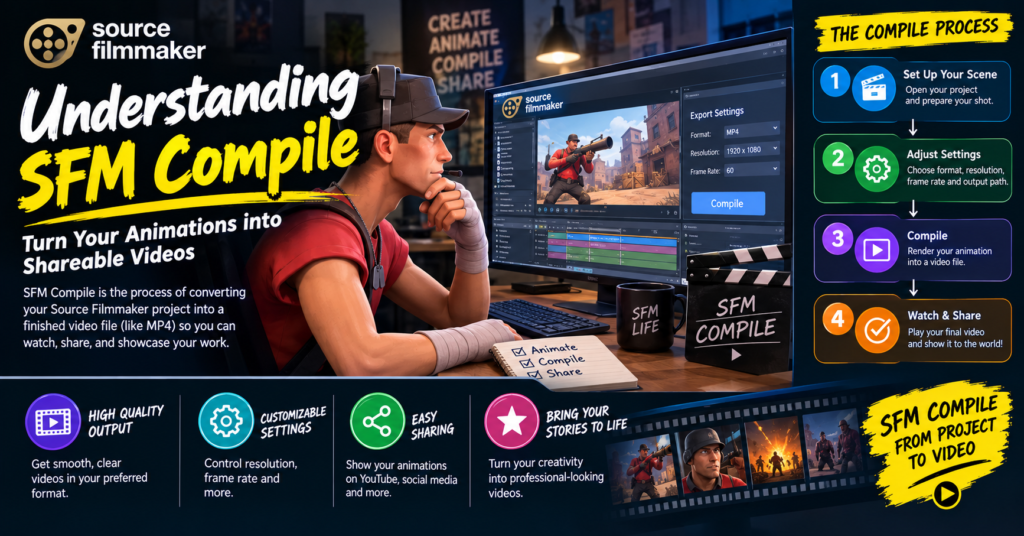
Vital Software for SFM Compile
Before you compile anything, you need the right tools installed. Here’s a quick look at the software most creators rely on.
| Tool | Purpose | Beginner Friendly? |
|---|---|---|
| Source Filmmaker (SFM) | The program where your final scenes and animations are built | Yes |
| Crowbar | A graphical compiler for turning SMD/DMX files into MDL format | Yes |
| StudioMDL | Valve’s original command-line compiler used behind the scenes | Moderate |
| Blender with Source Tools | For creating and exporting SMD/DMX model files | Moderate |
| VTFEdit | Converts image textures into the VTF format Source needs | Yes |
| Notepad++ | For writing and editing QC script files | Yes |
Crowbar is usually the best starting point because it wraps StudioMDL in a simple interface, so you don’t have to type commands manually. As you get more comfortable, you can move on to running StudioMDL directly for more control.
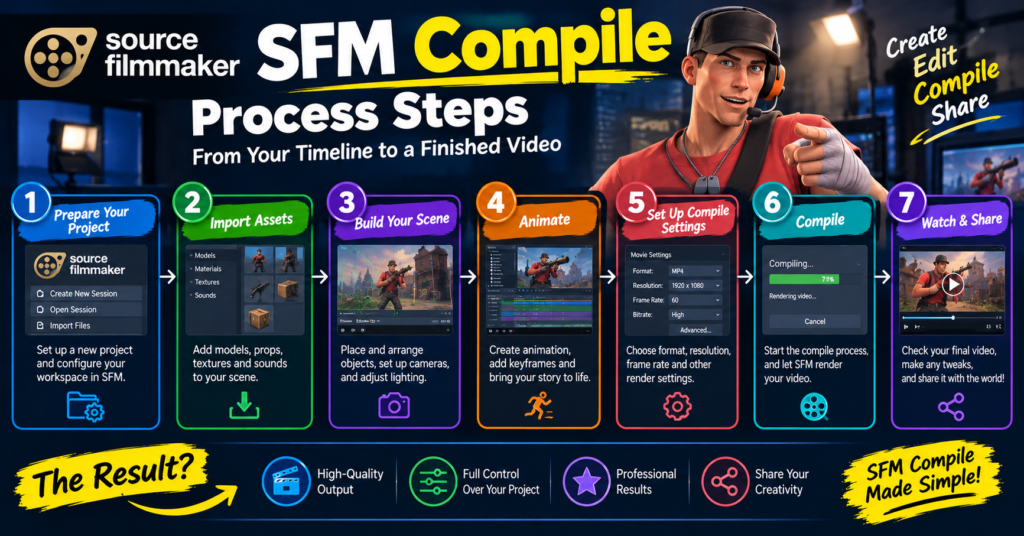
SFM Compile Process Steps
Every compile follows roughly the same pipeline, no matter how simple or complex the model is. Here’s the general order of operations:
- Build or obtain your model. Create your character or prop in a program like Blender or Maya, or acquire one you have rights to use.
- Export the model as SMD or DMX. These are the file formats the Source compiler understands.
- Prepare your textures. Convert image files into VTF format and set up matching VMT material files.
- Write a QC file. This text file tells the compiler where your model, textures, and animations are located, along with settings like collision and body groups.
- Run the compiler. Use Crowbar or StudioMDL to process the QC file and generate the final MDL, VVD, VTX, and PHY files.
- Test the model. Load it into HLMV (Half-Life Model Viewer) first, then bring it into SFM to confirm everything works.
Each step depends on the one before it, so rushing through preparation is the most common reason compiles fail.
SFM Compile at a Glance
If you only remember one thing from this guide, remember this quick summary:
- What it does: Converts raw 3D files into Source engine-ready models.
- Main tools: Crowbar or StudioMDL, plus a QC script.
- Key output files: MDL, VVD, VTX, and PHY.
- When you need it: Any custom character, prop, weapon, or model ported from another game.
- When you don’t: Stock SFM assets that are already compiled are ready to use right away.
Not every project needs a fresh compile. If you’re only using existing SFM or Source game assets, you can skip this entire process and start animating right away.
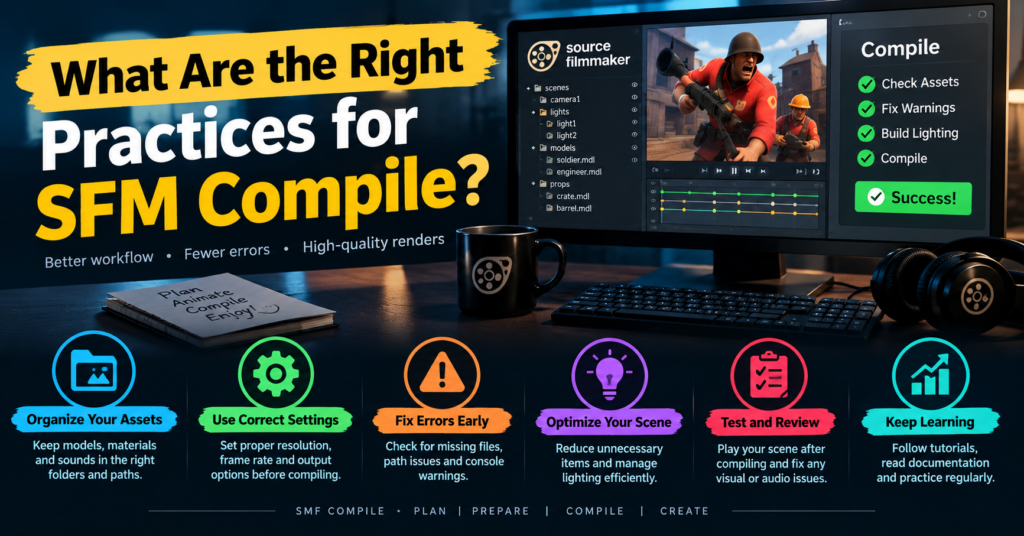
What Are the Right Practices for SFM Compile?
Good habits early on save hours of troubleshooting later. Keep these practices in mind:
- Keep your folder structure clean. Store your model, textures, and QC file in a logical, matching folder path.
- Name files consistently. Avoid spaces and special characters in file names and paths.
- Test in HLMV before SFM. This helps you figure out if an issue is with the model itself or with SFM specifically.
- Compile in small steps. Get the base mesh working first, then add textures, then animations.
- Back up your source files. Never work only from the compiled files — keep your original SMD, DMX, and QC files safe in case you need to recompile.
- Double-check texture paths. A huge number of errors come from materials pointing to the wrong file location.
Common Errors of SFM Compile
Almost everyone runs into the same handful of problems when they’re starting out. Here are the most frequent ones and what usually causes them.
| Error | Likely Cause | Quick Fix |
|---|---|---|
| Purple and black checkerboard | Missing or incorrectly linked texture | Check your VMT file path and material name |
| Solid black model | Broken material or missing shader | Verify VTF and VMT files are correctly referenced |
| Model doesn’t appear at all | QC file errors or wrong file paths | Review the QC script line by line for typos |
| Distorted or stretched mesh | Incorrect bone weights or skeleton issues | Re-check rigging and weight painting before recompiling |
| Compile fails with an error message | Missing reference files or bad syntax in QC | Read the exact error line and fix the referenced file |
| Model crashes SFM | Corrupted compile or mismatched file versions | Recompile from scratch with clean source files |
When something breaks, always start with the QC file. Most beginner errors trace back to a small typo or an incorrect file path written there.
Sophisticated SFM Compile Techniques
Once you’re comfortable with the basics, there are a few more advanced techniques worth learning:
- Body groups and multiple skins. Advanced QC files let you swap outfits or textures on the same model without creating separate files.
- LOD (Level of Detail) models. Adding lower-detail versions of your mesh can improve performance in busy scenes.
- Custom collision meshes. Instead of relying on an automatic hull, you can build a dedicated physics mesh for more realistic collisions.
- Separate animation compiling. Skilled users often compile animations independently from the base model, which makes it easier to update movement without touching the mesh itself.
- Porting between Source games. Assets from other Source-engine titles can sometimes be recompiled for SFM, though textures and QC settings usually need adjustments first.
These techniques aren’t necessary for your first few projects, but they’re worth exploring once basic compiling feels comfortable.
SFM Compile Workflow for Beginners: Where to Start?
If all of this still feels like a lot, here’s a simple starting path:
- Install Source Filmmaker and Crowbar.
- Pick one simple prop, not a full character, for your first compile.
- Export it from your 3D software as an SMD file.
- Write a short, basic QC file with just the essentials.
- Compile it with Crowbar and check it in HLMV.
- Import the finished model into SFM and place it in a test scene.
Starting small with a static prop, rather than a rigged character, gives you a much easier introduction to the entire pipeline. Once one simple compile works from start to finish, moving on to characters and animations feels far less intimidating.
Frequently Asked Questions
What is SFM compile in simple terms?
It’s the process of converting raw 3D model files into a format Source Filmmaker can load and use, usually ending in an MDL file.
Do I need to know coding to compile models for SFM?
No. QC files use simple text commands, not programming, and tools like Crowbar handle most of the technical work for you.
Why does my model show up as purple and black?
This checkerboard pattern almost always means a missing or incorrectly linked texture file in your material setup.
Is Crowbar better than using Studiomdl directly?
Crowbar is easier for beginners because of its graphical interface, while StudioMDL offers more direct control for advanced users.
Can I compile animations separately from the model?
Yes, experienced users often compile animation sequences separately so they can update movement without recompiling the whole model.
What’s the difference between compiling and rendering in SFM?
Compiling prepares a model so SFM can use it, while rendering is the final step where SFM turns your finished animation into a video file.
Why does my model look distorted after compiling?
This usually points to incorrect bone weights or skeleton setup that needs to be fixed before recompiling.
Can I use models compiled for other Source games in SFM?
Sometimes, but they often need adjusted textures and QC settings since not every Source title shares identical file structures.
Conclusion
SFM compile might sound intimidating at first, but it’s really just a translation step between your 3D software and Source Filmmaker. Once you understand the pipeline — exporting your model, writing a QC file, running it through Crowbar or StudioMDL, and testing the result — the whole process becomes second nature.Start small, stay patient with errors, and don’t be afraid to recompile a few times while you learn. Every SFM creator, no matter how advanced, started with a broken checkerboard model at some point. With the steps in this guide, you’re already ahead of where most beginners start in 2026.
