

The LTMS Portal is changing how Filipinos deal with the Land Transportation Office. LTMS stands for Land Transportation Management System. It is an online platform made by the LTO. It lets people handle many transactions without long lines.Before, getting a driver’s license or registering a vehicle meant hours of waiting. You had to visit an LTO office in person. Now, the LTMS Portal makes many of these steps easier. You can do them from your phone or computer.This guide will explain what the LTMS Portal is in simple terms. You will learn what services it offers. You will also learn how to use it the right way. By the end, you will understand why this portal matters for every driver in the Philippines.
LTMS Meaning in Text
LTMS stands for Land Transportation Management System. In simple terms, it is the online system built by the Land Transportation Office (LTO) to manage driver and vehicle records digitally. When people type “LTMS” in a text message or online form, they are referring to this same government platform, not a separate app or third-party service.Many drivers also call it the LTO Portal. Both names point to the same website. LTMS is the technical or official name, while “LTO Portal” is simply the everyday term most Filipinos use.
What Is the LTMS Portal?
The LTMS Portal is the official online platform of the LTO. It was created to reduce long queues and paper-based processes at physical branches. Instead of spending a whole day at an LTO office, motorists can now complete many transactions through a single online account.
Through the portal, users can:
- Apply for or renew a driver’s license
- Register a new or existing vehicle
- Check and pay traffic violations
- Take the required online driving course
- Track the status of an ongoing transaction
The portal is accessed through the official LTO website. Since several look-alike sites exist, always confirm you are on the legitimate government platform before entering personal details or making a payment.
Key Features of the LTMS Portal
The LTMS Portal was designed with convenience and security in mind. Here are its most useful features:
| Feature | What It Does |
|---|---|
| Online License Renewal | Renew a non-professional or professional license without a branch visit |
| Vehicle Registration | Process new registration or renewal of existing vehicles |
| Digital License (e-DL) | Access a valid electronic version of your driver’s license |
| Violation Checker | View unsettled tickets and pay fines directly online |
| E-Learning Modules | Complete the required driver’s education course before applying for a license |
| Transaction Tracking | Monitor the real-time status of any submitted application |
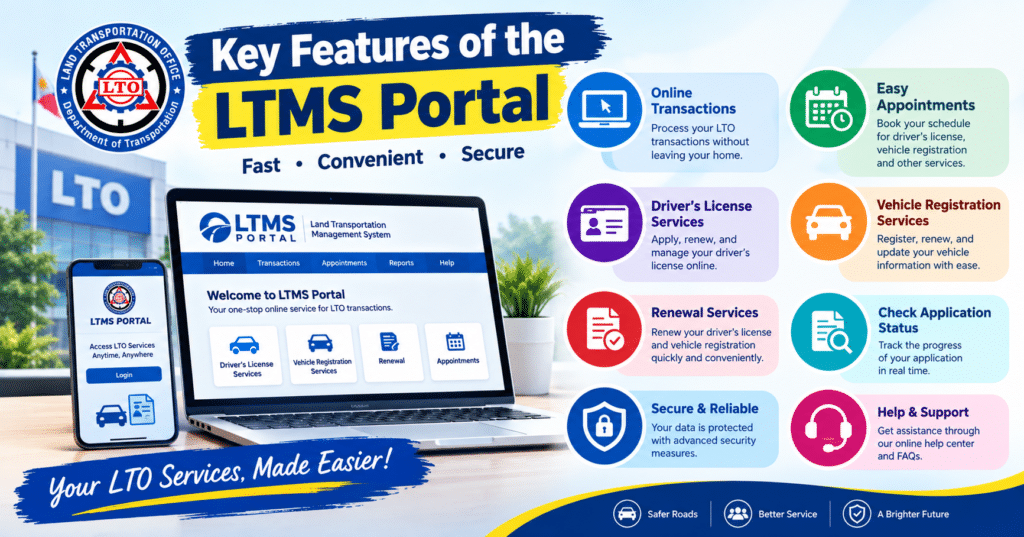
These features are available anytime, which means motorists in rural areas or those with tight schedules no longer need to take a day off work just to visit an LTO branch.
How to Use the LTMS Portal
Getting started with the LTMS Portal is straightforward once you know the basic steps. Follow this simple process:
- Go to the official LTO Portal website.
- Click the registration button and select whether you already hold a Philippine license or not.
- Fill in your personal details, including full name, birthdate, and address.
- Enter your active email address and mobile number for verification.
- Create a strong password and confirm your account through the email link sent to you.
- Log in and select the transaction you want to complete, such as renewal or registration.
Once your account is verified, you can return to the portal anytime to start a new transaction or check an existing one.
What You’ll Need to Register
Before creating an account, prepare the following:
- A valid and active email address
- An active mobile number for OTP verification
- A stable internet connection and a phone or computer
- Your full name, birthdate, and home address
- Existing driver’s license number and expiry date, if applicable
- Official receipt number or your mother’s maiden name if the receipt is unavailable
- Alien Certificate of Registration (ACR) details, for foreign nationals
Having these details ready before you start will help you finish registration in one sitting instead of stopping midway.
Pro Tips for Using the LTMS Portal
A few small habits can make your LTMS experience much smoother:
- Use a personal, secure email. This is where all confirmations and updates will be sent.
- Avoid peak hours. Early mornings or late evenings usually load faster than midday.
- Double-check your details before submitting. Wrong information can delay processing.
- Save your Client Number. You will need this for future transactions.
- Complete the online course early. Do not wait until the last minute, since the e-learning modules have minimum time requirements.
- Take screenshots of confirmations. These serve as proof in case of technical issues.
Small steps like these can prevent unnecessary delays and repeated attempts.
Challenges You Might Encounter
While the LTMS Portal has improved how Filipinos handle LTO transactions, it is not without its issues. Common challenges include:
- Slow loading during peak hours, especially near renewal deadlines
- Limited branches authorized to process certain LTMS-related transactions
- Verification delays, where confirmation emails take longer than expected
- Account conflicts, when someone else has already started a profile linked to your license number
Most of these problems can be resolved with patience, password recovery tools, or a visit to a district office if online steps fail.

Get Ready with DriveSafe PH
Passing your license requirements is only half the journey. Before you even open the LTMS Portal, it helps to be properly prepared for the driving exam and the mandatory education course. This is where DriveSafe PH comes in.DriveSafe PH offers structured driving lessons and exam preparation designed for first-time applicants and renewing drivers alike. Instead of guessing what the LTO expects from you, learners get guided lessons that match real road conditions and current LTO standards.
Why Choose DriveSafe PH?
- Experienced instructors who understand current LTO requirements
- Flexible schedules that fit around work or school
- Practical, road-ready training, not just theory
- Guidance through LTMS steps, so learners are not left confused by the portal
Choosing a reliable driving school before your LTMS transaction can save you from failed exams and repeated attempts later on.
Conclusion
The LTMS Portal has made LTO transactions faster, simpler, and more accessible for Filipino motorists. From license renewal to vehicle registration, most of what used to require a full day at a branch can now be done online. By preparing the right documents, following the registration steps carefully, and being aware of common hiccups, you can complete your LTO transactions with far less stress. Pairing this digital convenience with proper driving preparation, such as training through DriveSafe PH, sets you up for a smoother and safer journey on the road.
Frequently Asked Questions
What does LTMS stand for?
LTMS stands for Land Transportation Management System, the official digital platform of the LTO.
Is the LTMS Portal free to use?
Yes, creating an account and accessing the portal is free. You only pay standard LTO fees for specific transactions.
Can I complete my entire LTO transaction online through LTMS?
Some steps, like the driving exam or biometrics, may still require an in-person visit depending on the transaction.
Do I need to take an online course before getting a license?
Yes, first-time applicants must complete the required online driving education course through the portal.
What if I forget my LTMS Portal password?
Use the password recovery option on the login page, or visit a district office if recovery fails.
Is the LTO Portal the same as the LTMS Portal?
Yes, LTO Portal and LTMS Portal refer to the same official platform. LTMS is simply the technical name.
